Skip to main content
Search
Pinnacle Series - External Learning Tracking

How to Download Files Attached to External Learning Records
Applies To:
- Technical administrators
- Learning Managers
Common Causes/Issues:
- As a Learning Manager, you would like to download files attached to External Learning Records submitted by end-users.
Solution Overview:
- To view external learning records submitted by other users, you will need the 'Assignment Administrator/Assignor' permissions.
- Navigate to the 'Administration Portal' using the settings cogwheel in the portal (see image below)

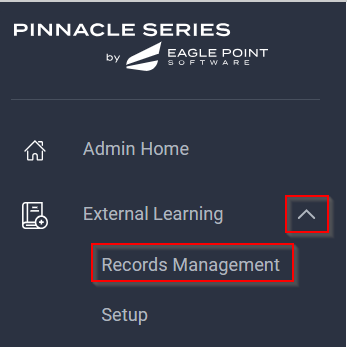
- Select the down arrow on the 'External Learning' button, then select 'Record Management'.
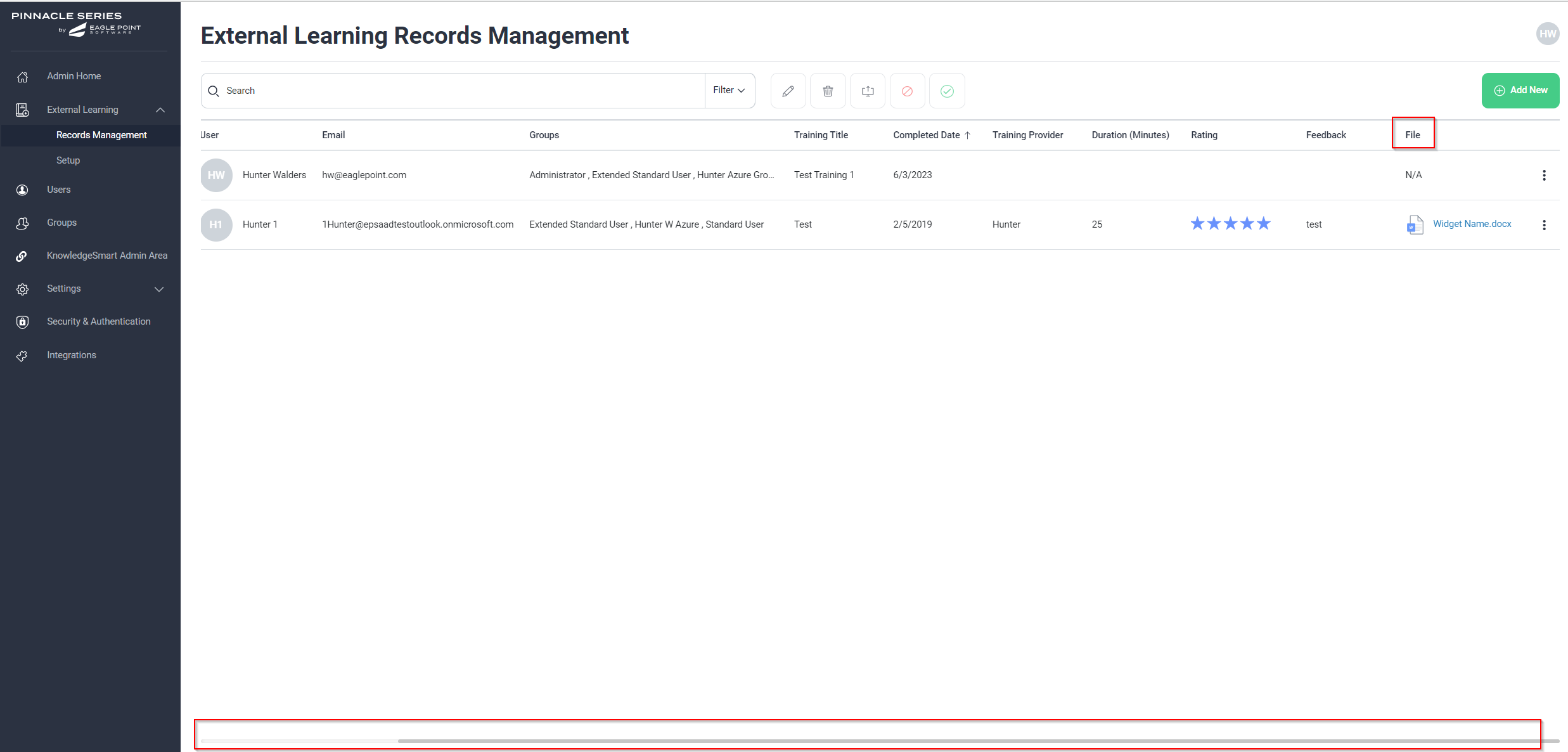
- Use the scroll bar on the bottom of the screen to scroll over horizontally
- Any attached files will be listed under the last column titled 'File'
Still Need Help?
Log a support ticket